Send vector artwork when possible
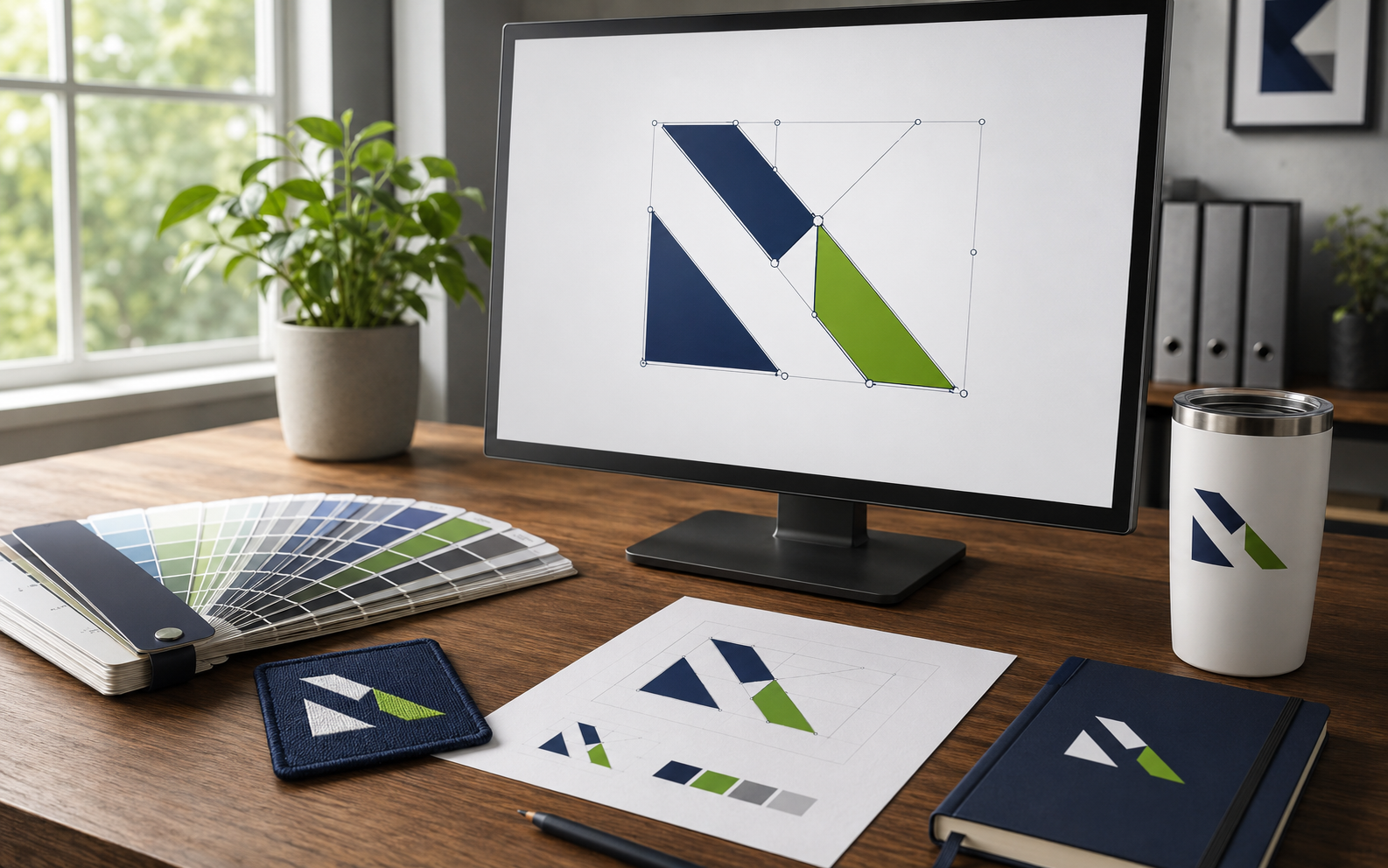
AI, EPS, SVG and properly created vector PDF files can be enlarged without losing sharpness. They also make it easier to separate colors and adjust artwork for different imprint areas.
Use high-resolution raster files
For PNG, JPG and Photoshop artwork, 300 DPI at the intended reproduction size is the preferred minimum. Lower resolution may sometimes work for large-format production, depending on scale, viewing distance, supplier and equipment.
Include the complete source package
InDesign files should be packaged with linked images and fonts. Photoshop files should remain layered and include linked assets. Sending only a preview can prevent the production artist from preparing the file correctly.
Define color expectations
Provide Pantone colors when exact spot-color matching matters. CMYK values support process printing, while RGB artwork may shift when converted for production. Materials and decoration can also affect the final appearance.
Review the proof closely
Check spelling, scale, placement, colors and product details before approval. The proof is the final opportunity to catch an issue before production begins.